

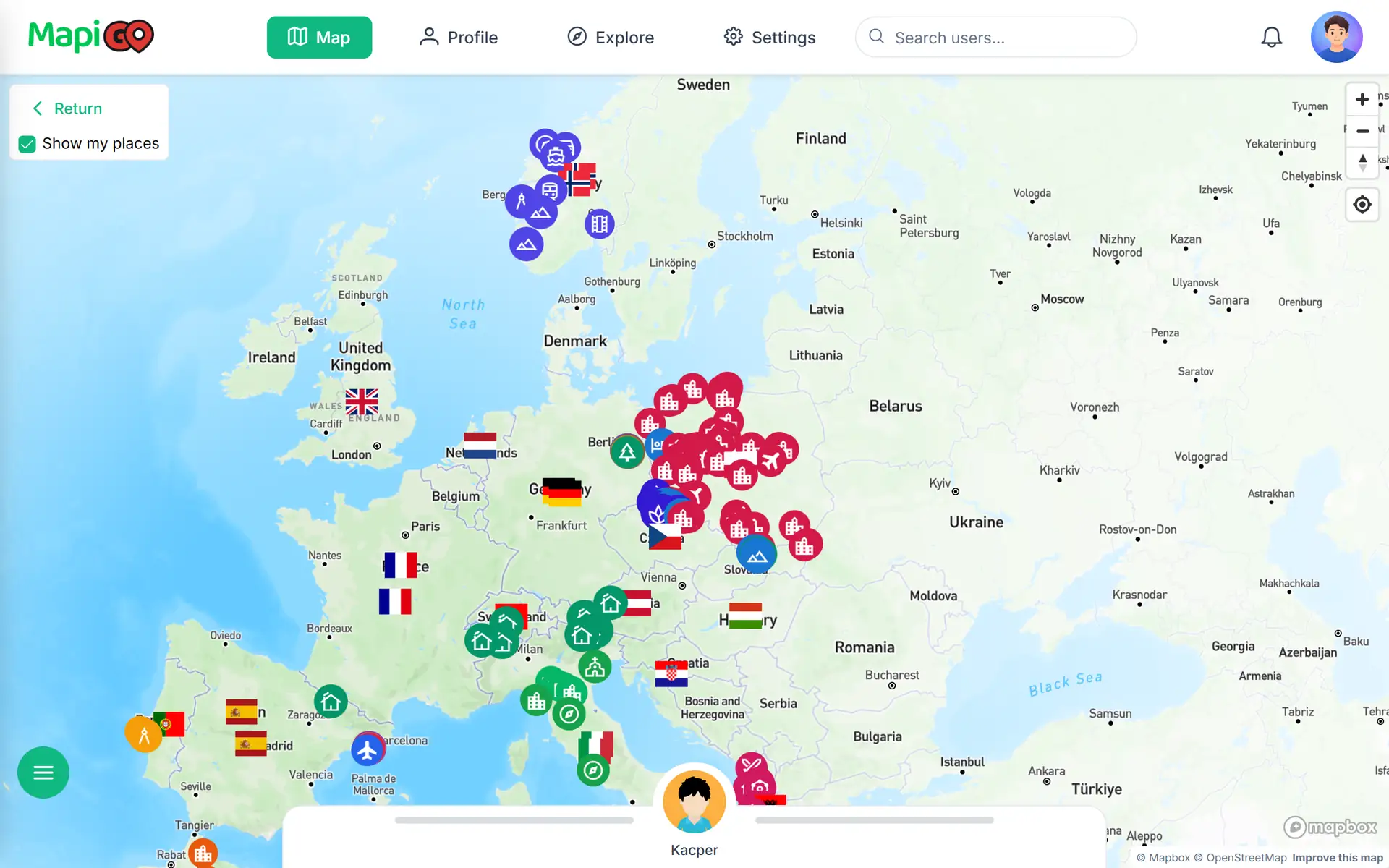
A recommendation you can find on a map
A friend recommends a restaurant from a trip. The name may be enough, but a map pin also shows whether it is on your way. In MapiGO, you can browse other users’ public places and return to profiles whose recommendations you find useful.
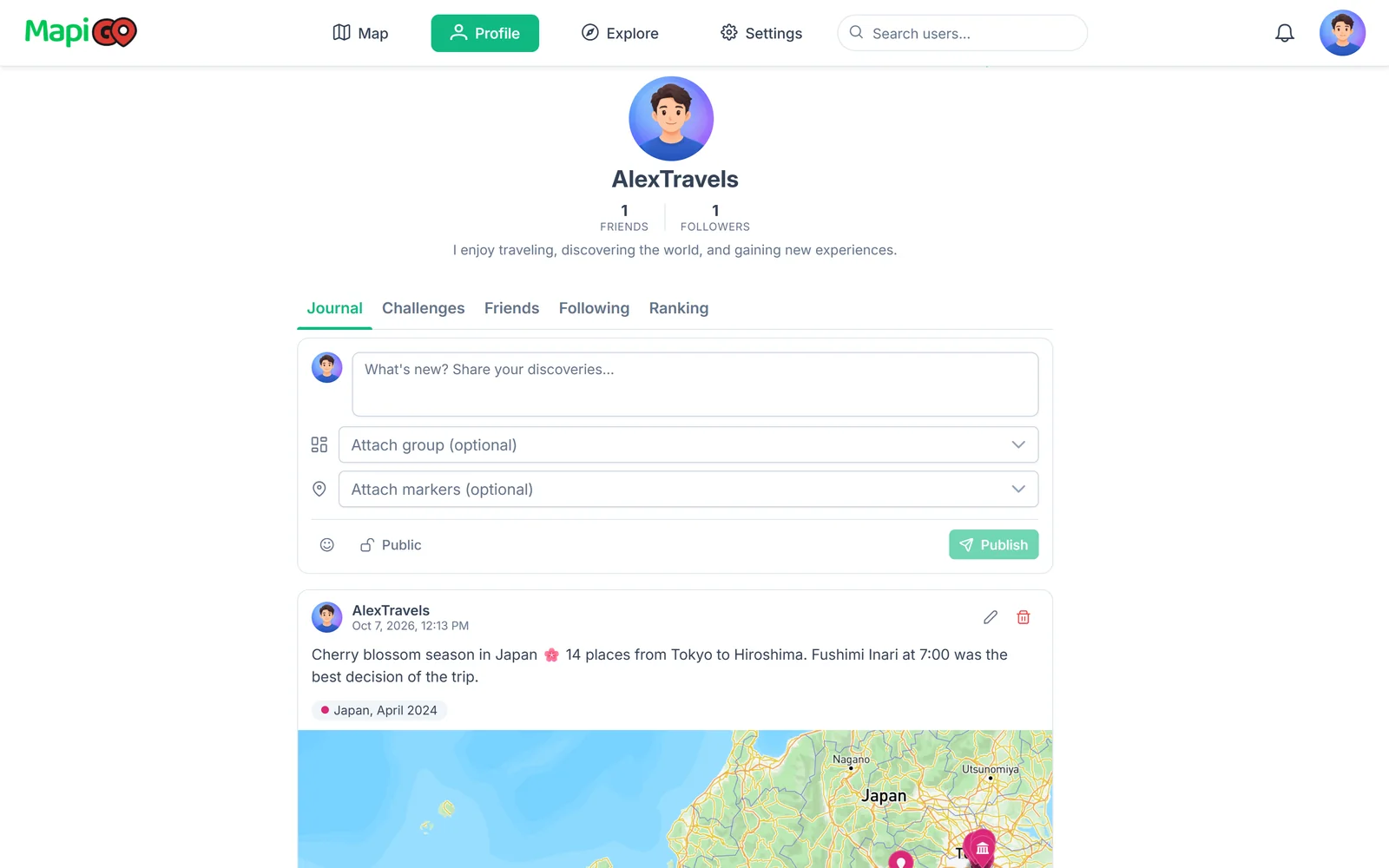
Who to follow
Start with a friend or someone saving places in a region you want to visit. Browse their public markers and groups. A keen walker’s map may be more useful for exploring on foot than a set of stops from a driving holiday.
Following someone makes their profile easier to return to. Treat a saved place as a suggestion to check, particularly if their visit was a while ago.
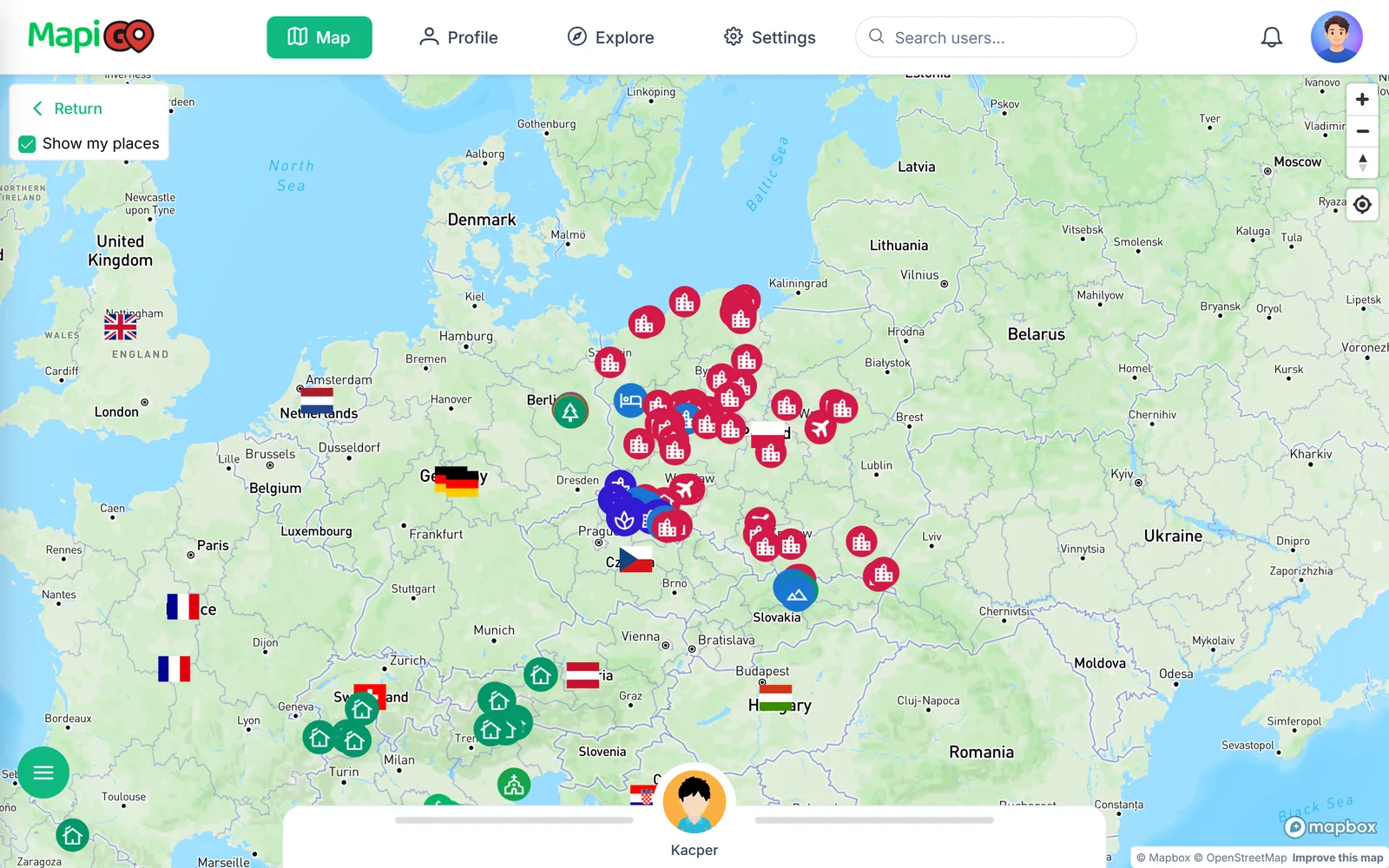
Before a trip with friends
Look through the places you have shared with each other. Dinner plans are easier to discuss when everyone can see how far the restaurant is from the accommodation. A shared note can add useful detail.
Agree on which stops are part of the plan and which are still suggestions. If everyone keeps their own version of the trip, decide which map you will use while you are away.
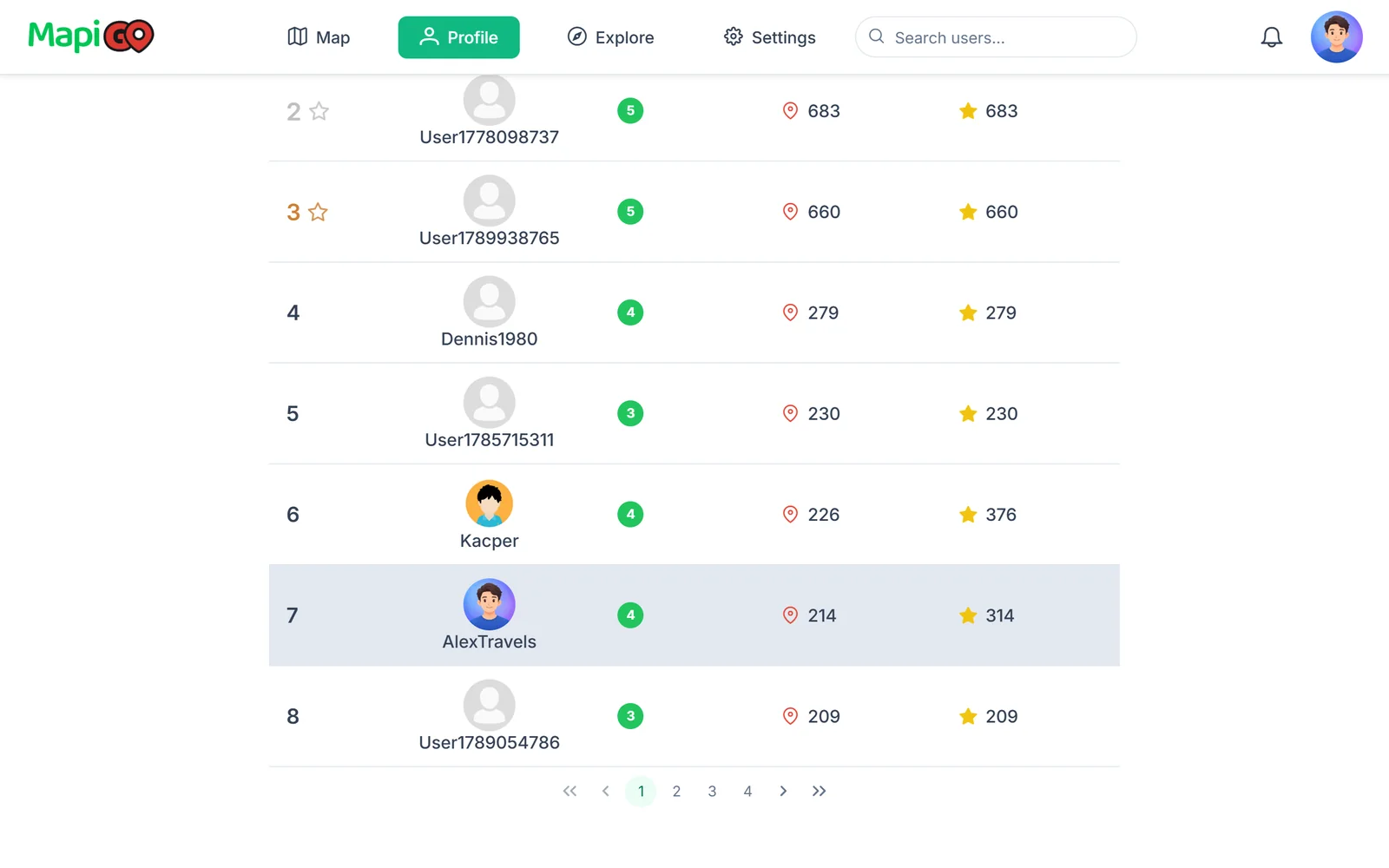
What the ranking is for
The ranking compares activity in the app. You can check it if you enjoy that part of MapiGO. You do not need it to save places or plan a trip.
A high ranking does not tell you whether someone’s recommendations suit your trip. Open their map and look at the actual places.
Choosing what to share
Review visibility settings before sharing. Check your notes too, especially accommodation notes. A door code or booking reference may be useful during your trip, but it should stay off a public map.
You can keep using your own saved places without following anyone. Public recommendations are there when you want them.