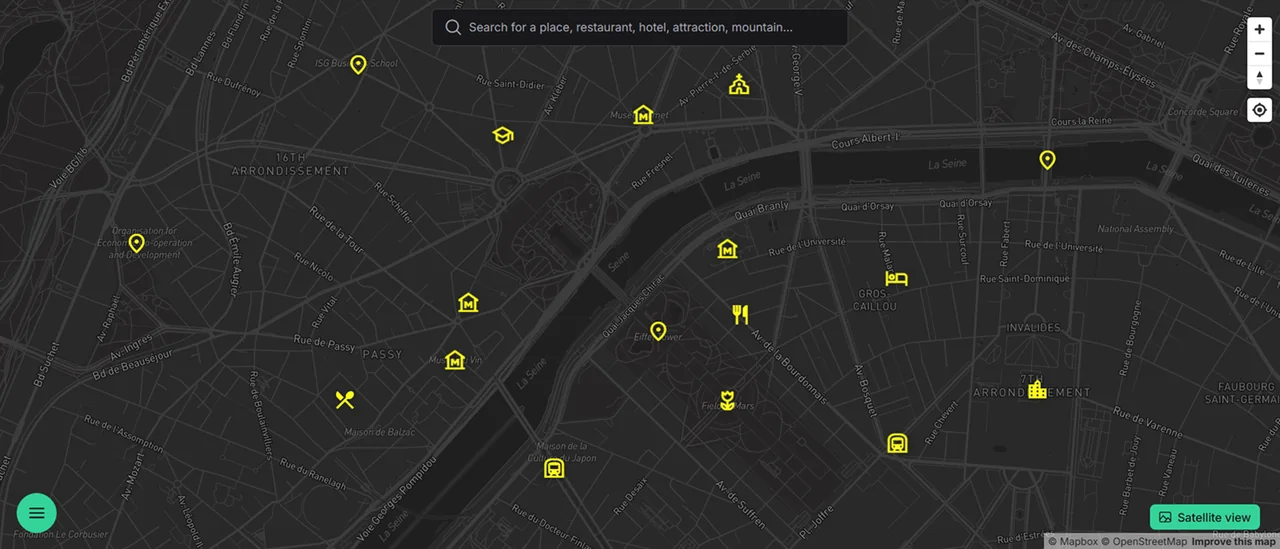
01Mark somewhere you want to return to
Your visited places map can include a small spot you found on a walk. Search for a venue or pick the location manually. Give the marker a name you will recognize when you return. For somewhere without an address, such as a spot by a river, add a note about how to get there.
02Find places from a particular trip
Keep visited places in a group named after the trip. As you save more, categories help you find what you are looking for. Before another stay in Paris, you can return to your saved cafés and read your notes from the previous visit.
Does the map detect visits automatically?
The approach described here uses places you add yourself. You choose which visits to record.
What about places I have not visited yet?
You can save those too. Use a different color or a separate group to distinguish plans from past visits.