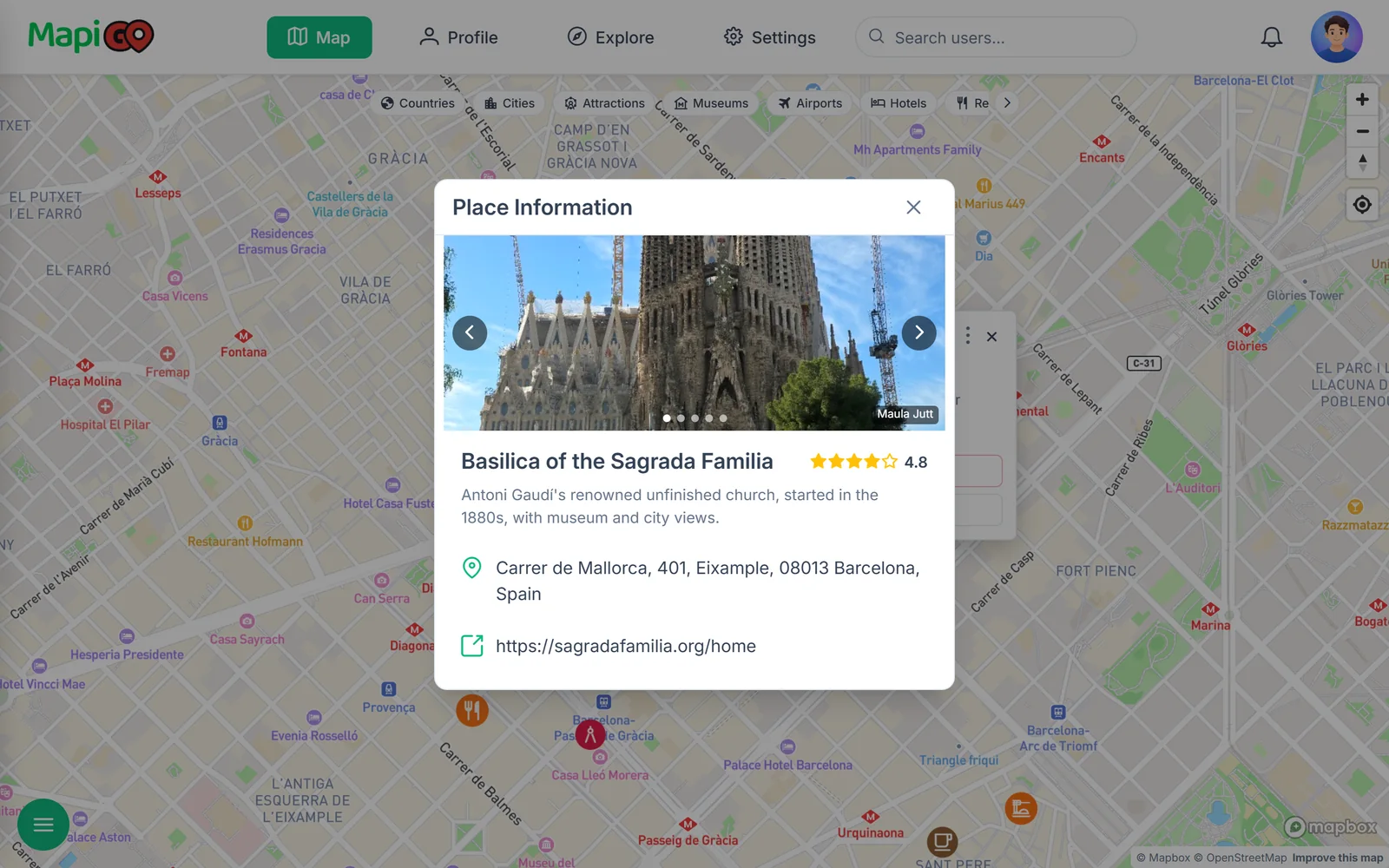

Which place should you add first?
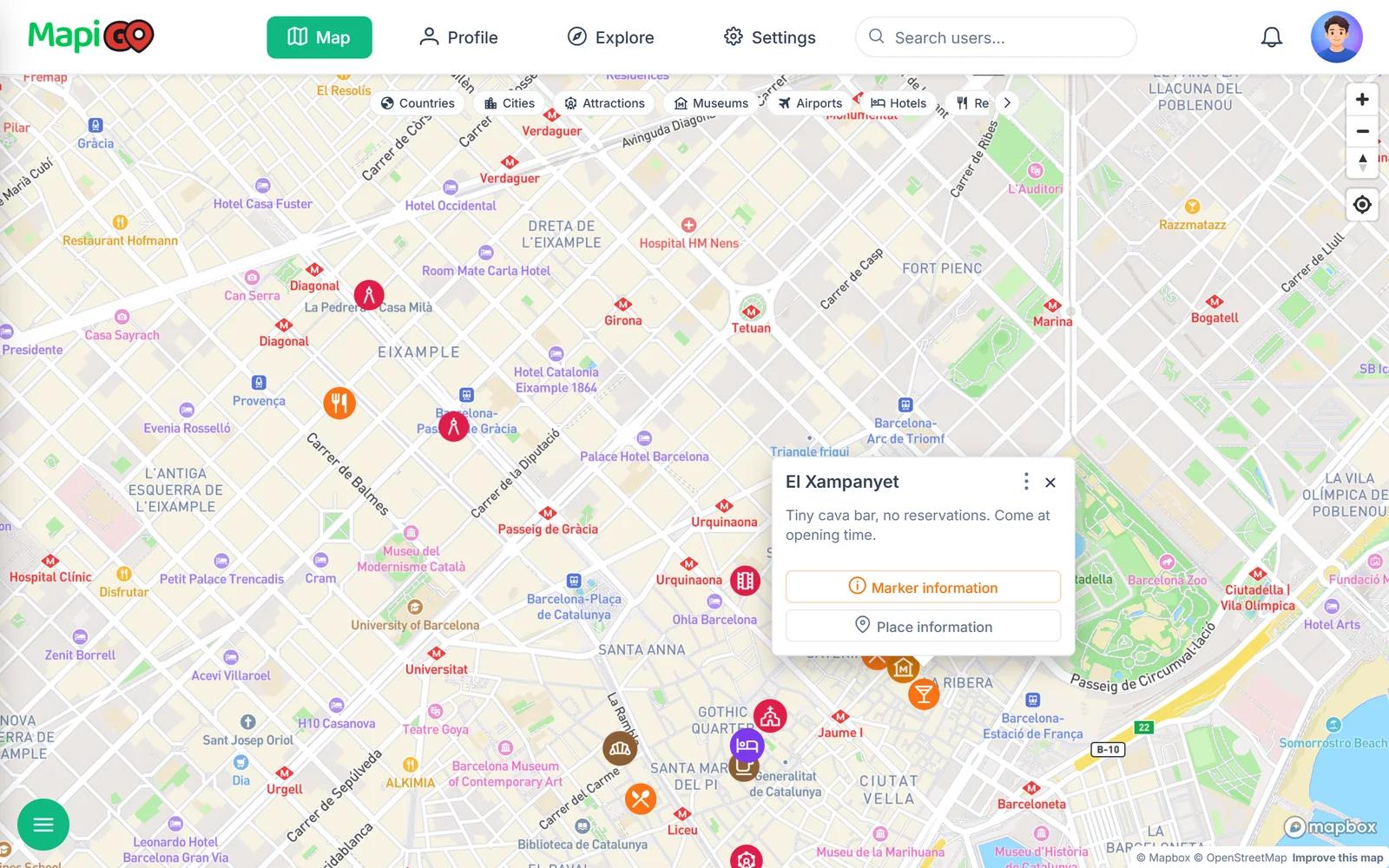
Start with somewhere you know. It might be a café from your last trip or the spot where you took a good photo. Find it in MapiGO and add a marker: a pin attached to that location.
One pin is enough to try out names and notes. You can add other places the same way, including those you have yet to visit.
What to keep in a marker
A pin marks a specific spot. Choose a name you will still recognize months later. “Café by the station” might make sense today, but the actual café name will help you find it on a return trip.
Use the note for details such as where the entrance is or what a friend recommended. You can also say that you have not been there yet. Saving a place does not have to mean you have visited it.
Finding and adding a place
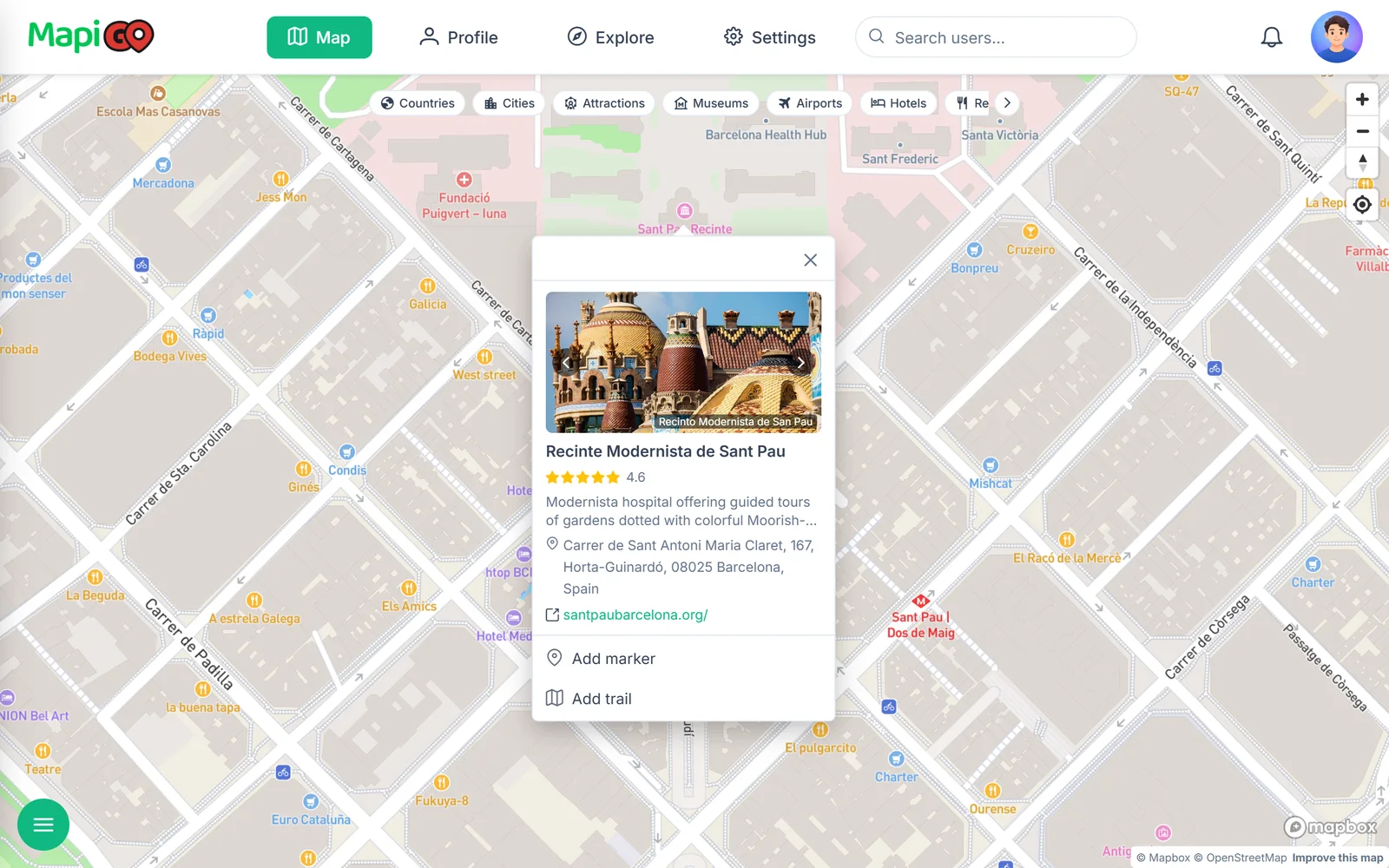
Search by name or pick a location directly on the map. Check the address before saving. A business may have several branches, and a recommendation photo may not tell you which one it shows.
Selecting a Google place can fill in its details. Picking a point manually is useful for unnamed spots, such as access to a riverbank.
Choose labels you will remember
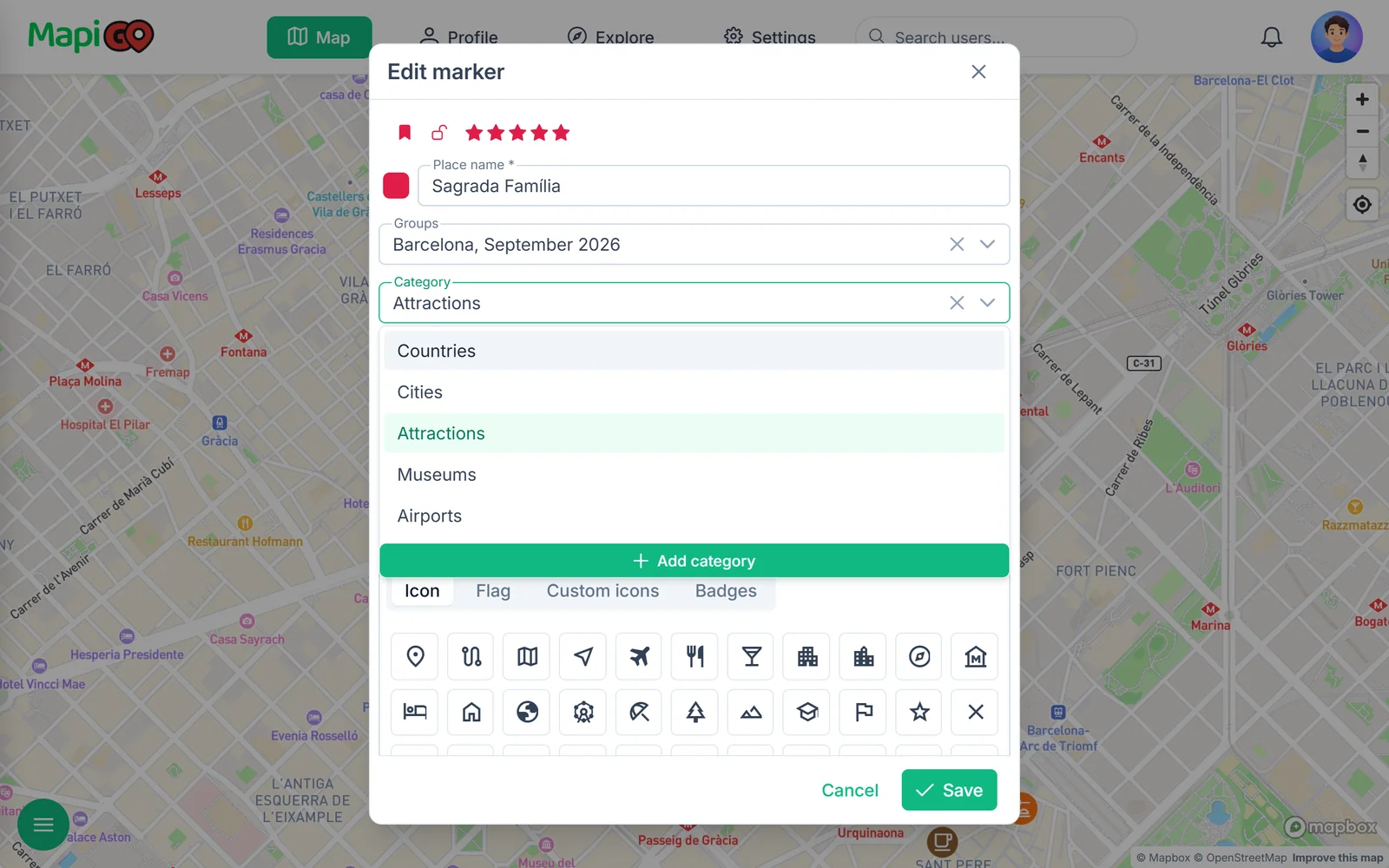
You can change a marker’s color when editing it. Start with two colors if that suits you: one for past visits and one for plans. If category icons already identify types of places, you may not need a different color for every type.
A group keeps places from the same trip together. Try a name such as “Barcelona, September 2026”. A category describes the type of place, so “Restaurants” can be useful across different trips.
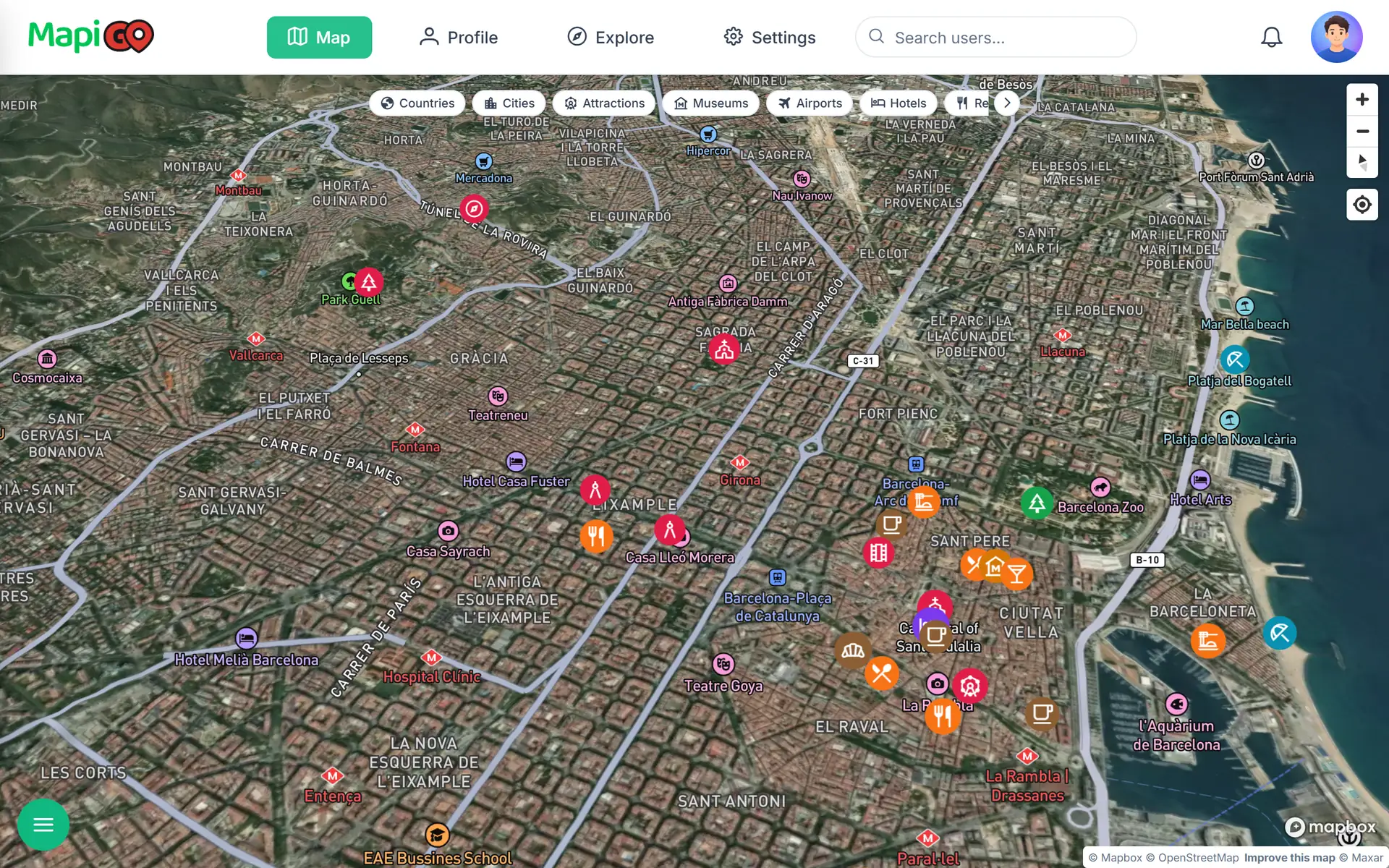
See which places are close together
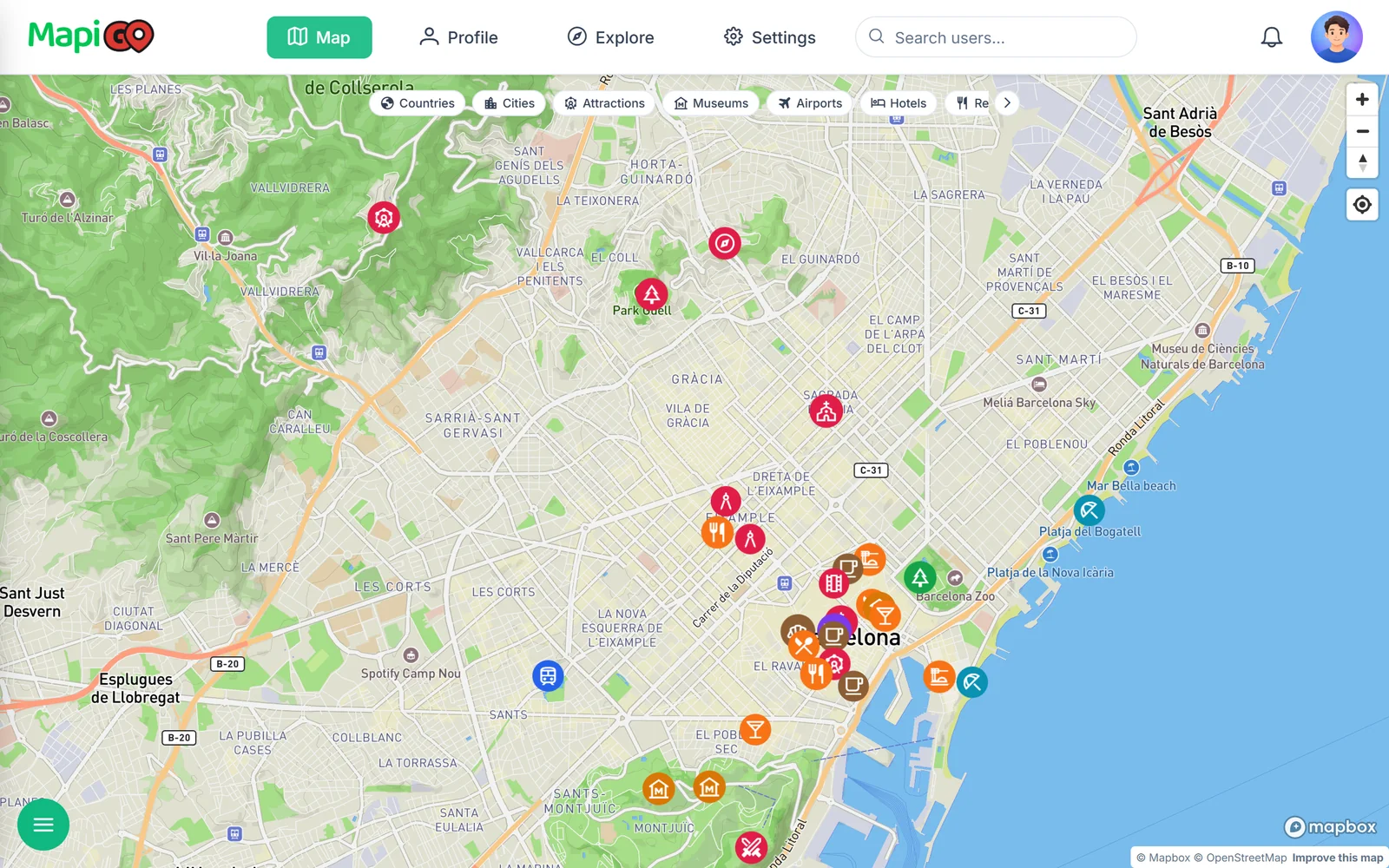
Once you have added places for a Barcelona trip, zoom out. Most of your pins might sit near your accommodation while one attraction needs a separate journey. That makes it easier to decide whether to save it for another day.
Nearby pins are a useful starting point. Check the actual walking or driving route, especially if a river or a major road separates them.
Add a note after the visit
Open the saved place and add a photo or a short note. “Entrance on the side street” could help someone visiting for the first time. “Come back for breakfast” might be all you need for yourself.
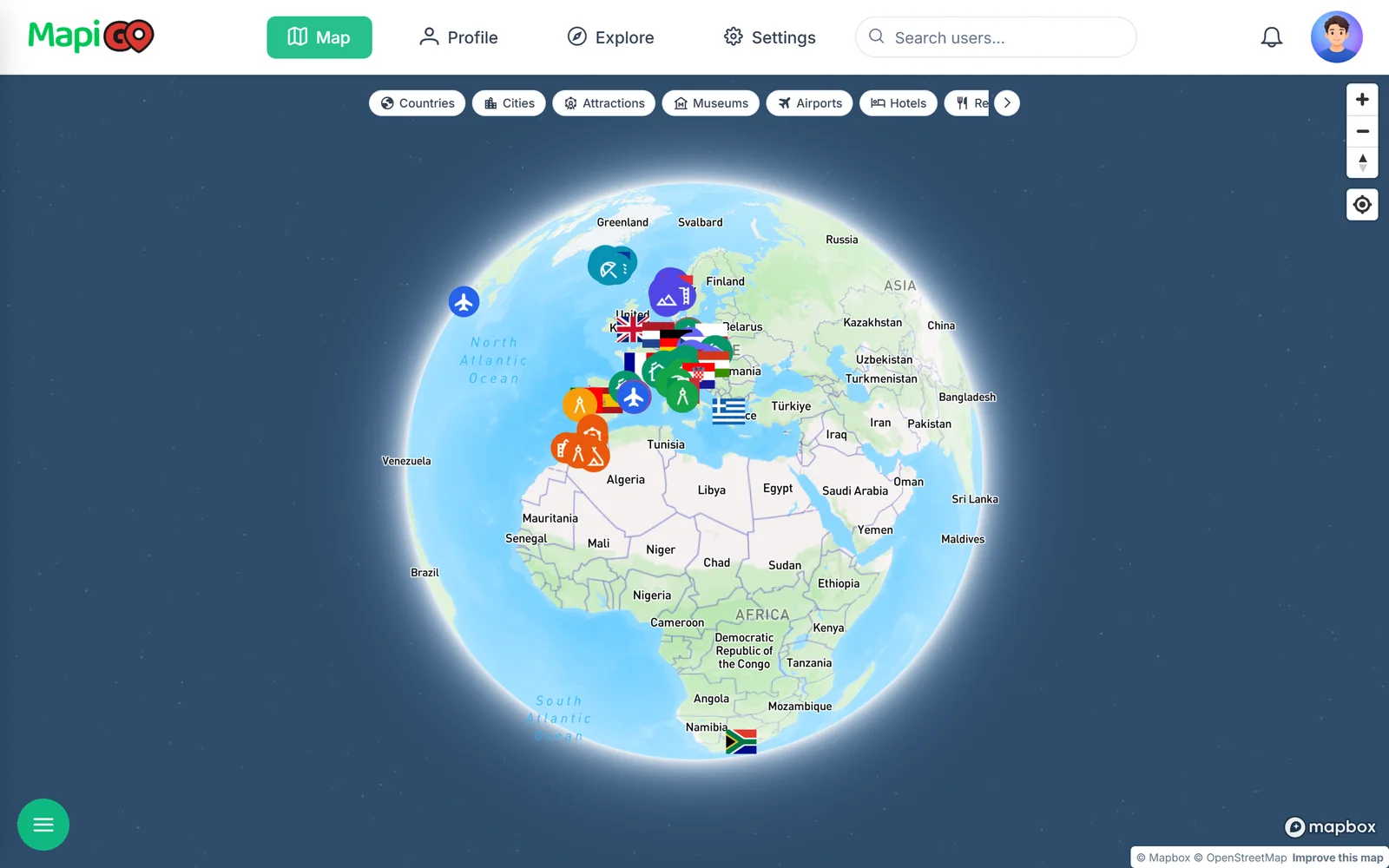
This gives you a travel journal you can browse on a map. On your next visit, you can return to those pins and check your own notes.
Check place details before you go
Place details may include Google photos, reviews and opening hours. The available information varies by location. For a visit that needs a booking, check the venue’s website too, especially around public holidays.