01Start near your accommodation
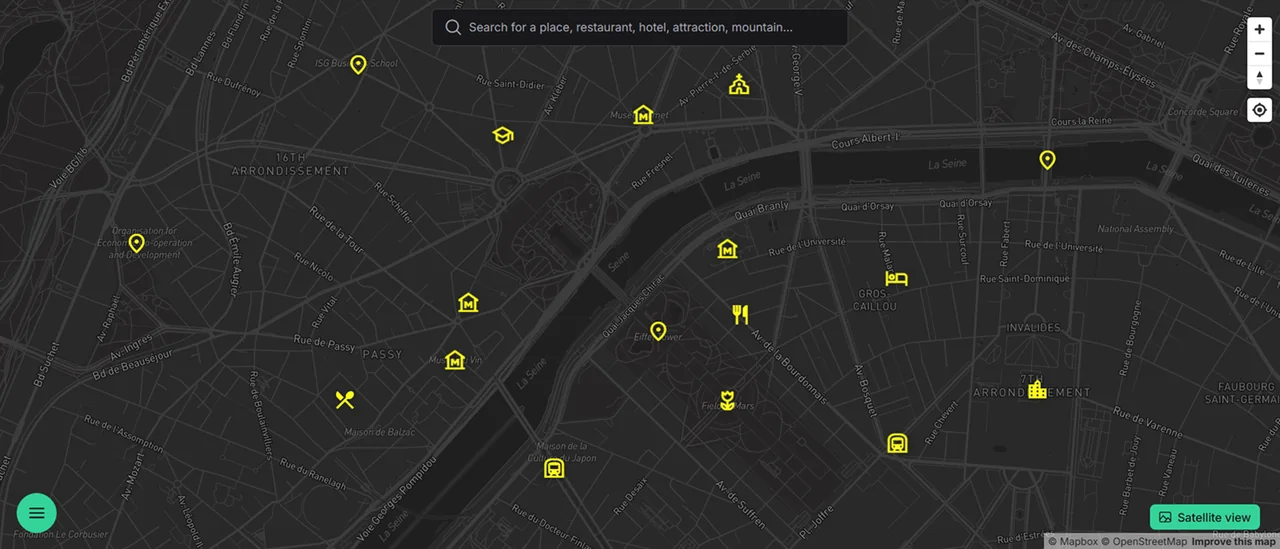
Add saved places to a trip group and look at where they are. Nearby stops might work well on the same walk. Leave an attraction across town for a day with more time for travel. Categories help you find a saved food stop near the route you choose.
02Expect the route to change
Connect markers in the order you plan to visit them. If a day has too many stops, split them into separate groups. You can prepare the plan in your browser and open it on Android while you are away. Check visiting times and bookings directly with each venue.
Can I book accommodation here?
Book through your chosen service or directly with the property. Use MapiGO to save its location and notes for the trip.
Can I open a plan from my computer on my phone?
Yes. Sign in to the same account in your browser or the Android app.
How do I separate plans from past visits?
Use separate groups, such as “Want to visit” and “Visited”, or choose a color for places you have been to.